How to Set Up and Use a VPN
How to Set Up and Use a VPN: A Complete Step-by-Step Guide
Advertisement
A VPN (Virtual Private Network) is one of the most useful tools for anyone who values their online privacy and security. Whether you want to protect yourself on public Wi-Fi, access content from other countries, or simply stop your internet provider from tracking your browsing, a VPN is the solution. This guide explains everything you need to know.
🔒 Over 1.5 billion people use VPNs worldwide. They are legal in most countries and straightforward to set up.
What is a VPN and Why Do You Need One?
When you browse the internet without a VPN, your internet service provider (ISP), your network administrator (at work or school), and potentially government agencies can see every website you visit. Your IP address — a number that identifies your device and location — is visible to every website you connect to.
A VPN works by routing your internet traffic through an encrypted tunnel to a server in a location of your choosing. To the outside world, your traffic appears to come from the VPN server’s IP address, not yours. Your ISP sees only that you are connected to a VPN — not what you are doing there.
What Can a VPN Do?
- Protect you on public Wi-Fi: Coffee shops, airports, and hotels have insecure networks where hackers can intercept your data. A VPN encrypts everything.
- Hide your browsing from your ISP: Your internet provider cannot see or sell your browsing history when you use a VPN.
- Access geo-restricted content: Connect to a server in another country to access streaming libraries, websites, or services not available in your region.
- Bypass censorship: In countries where certain websites are blocked, a VPN can provide access.
- Prevent price discrimination: Some airlines and hotels show different prices based on your location. A VPN lets you compare prices from different regions.
Advertisement
Choosing a VPN: What to Look For
Not all VPNs are equal. Here is what matters:
- No-logs policy: The VPN should not store records of your browsing activity
- Strong encryption: Look for AES-256 encryption and modern protocols like WireGuard or OpenVPN
- Speed: A VPN will slightly slow your connection; choose one known for fast servers
- Server locations: More server countries means more flexibility
- Reputation: Stick to well-known providers with independent audits
Recommended VPNs in 2025: NordVPN, ExpressVPN, ProtonVPN (excellent free tier), Mullvad (best for anonymity), Surfshark (best value).
⚠️ Avoid free VPNs from unknown providers. Many free VPNs make money by logging and selling your data — the opposite of what you want.
How to Set Up a VPN: Step-by-Step
Step 1: Choose and subscribe to a VPN service
Go to your chosen VPN’s website (e.g., nordvpn.com or protonvpn.com), create an account, and choose a subscription plan. ProtonVPN has a genuinely useful free tier if you want to try before paying.
Step 2: Download the VPN app
Download the official app for your device — Windows, Mac, Android, or iOS. Always download from the official website or your device’s official app store to avoid fake apps.
Step 3: Install and log in
Install the app and log in with the account you created. The setup process is typically automated — you do not need to configure anything manually unless you want to.
Step 4: Connect to a server
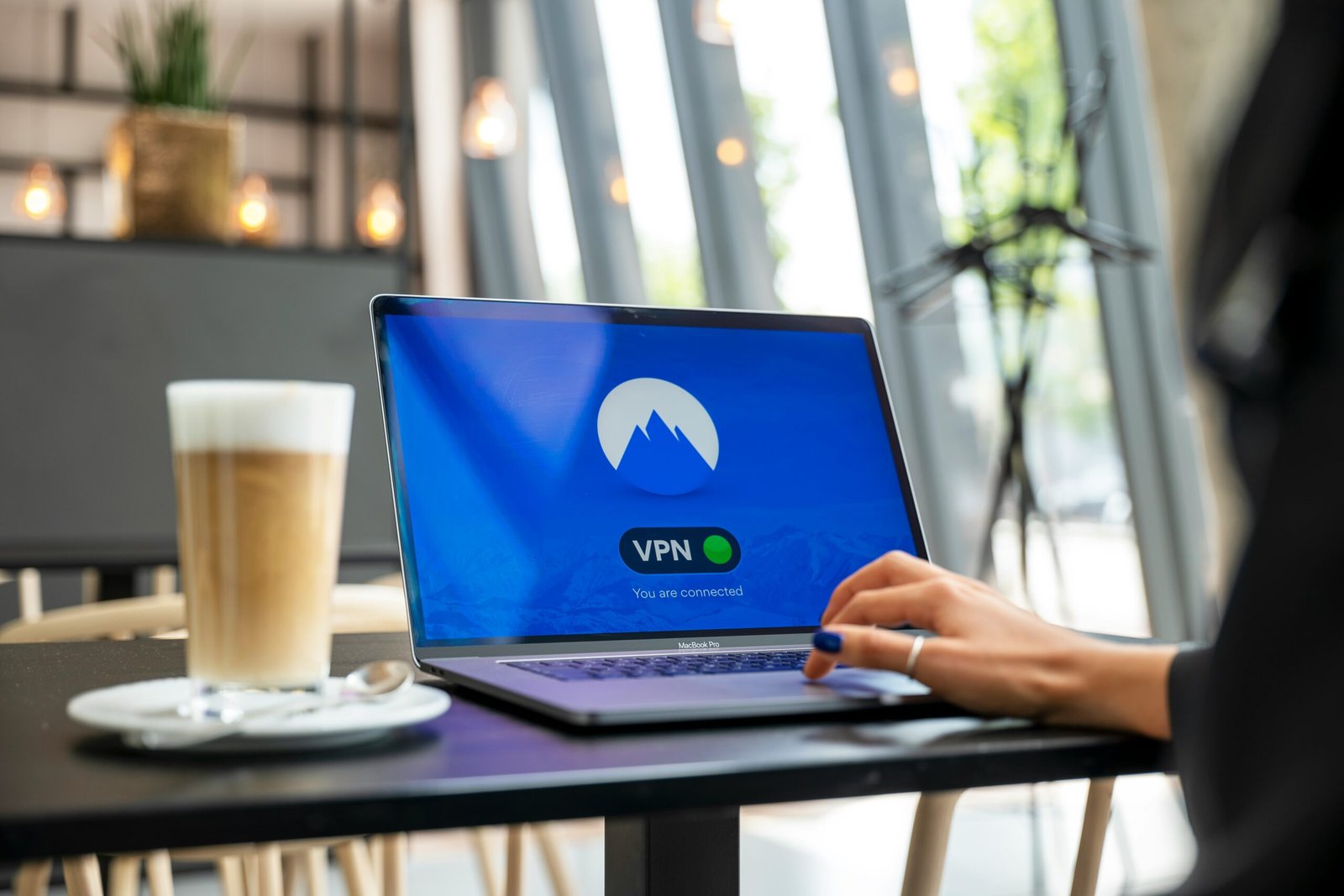
Open the app and click “Quick Connect” to automatically connect to the fastest available server, or manually choose a country from the server list. Once connected, your IP address changes and your traffic is encrypted.
Step 5: Verify your VPN is working
Visit ipleak.net or whatismyipaddress.com. The location shown should match your VPN server’s location, not your real location. If it shows your real location, the VPN is not working correctly.
VPN Tips for Best Results
- Enable the kill switch feature — this cuts your internet if the VPN drops, preventing accidental data exposure
- Use the WireGuard protocol for the best balance of speed and security
- Connect to servers geographically close to you for faster speeds
- Use split tunnelling to route only specific apps through the VPN
- Keep the VPN app updated to get the latest security patches
Final Thoughts
Setting up a VPN takes about five minutes and provides meaningful protection for your online privacy and security. Whether you are using public Wi-Fi, concerned about your ISP tracking your browsing, or simply want to access content from other regions, a VPN is an essential tool in 2025. Start with ProtonVPN’s free tier to see if it suits your needs before committing to a paid plan.
Advertisement